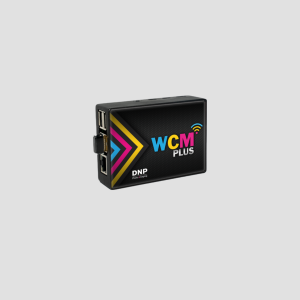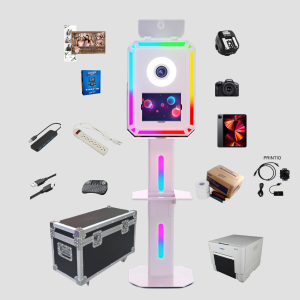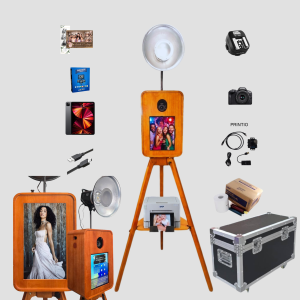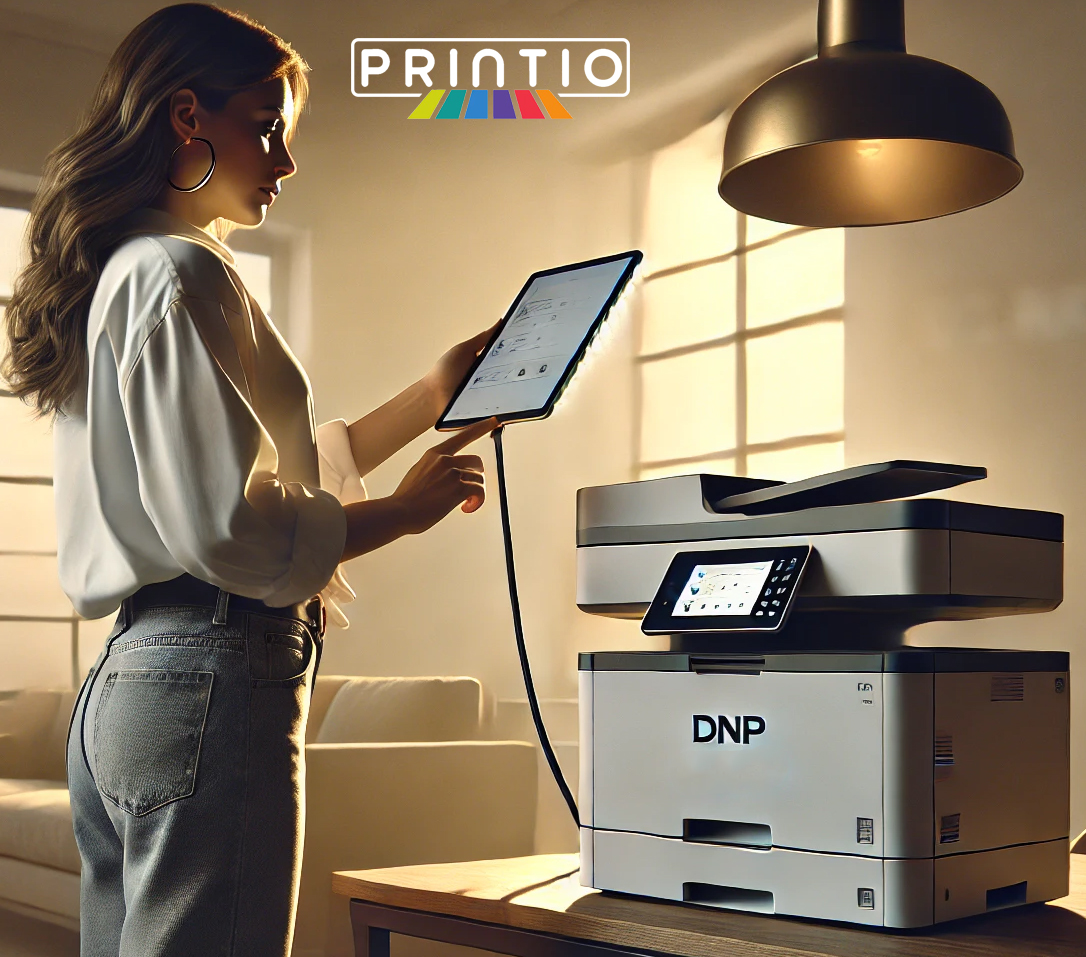
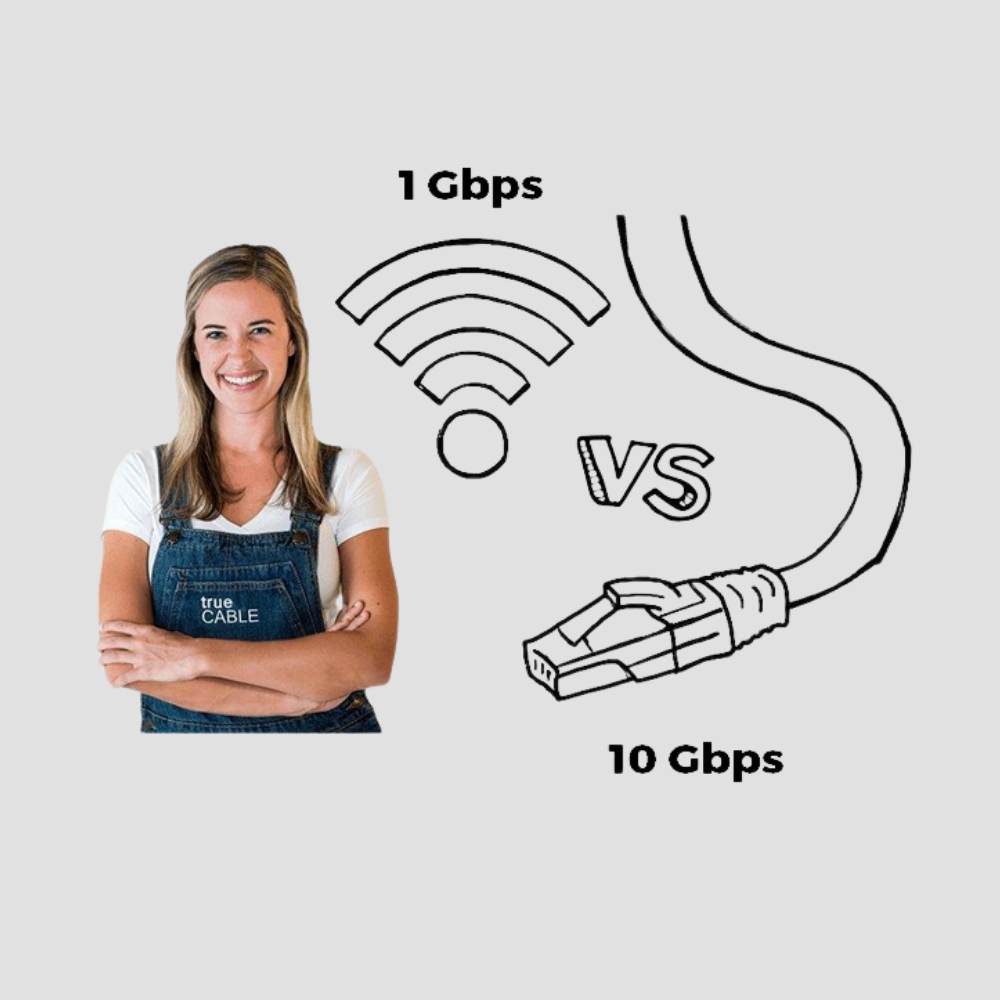
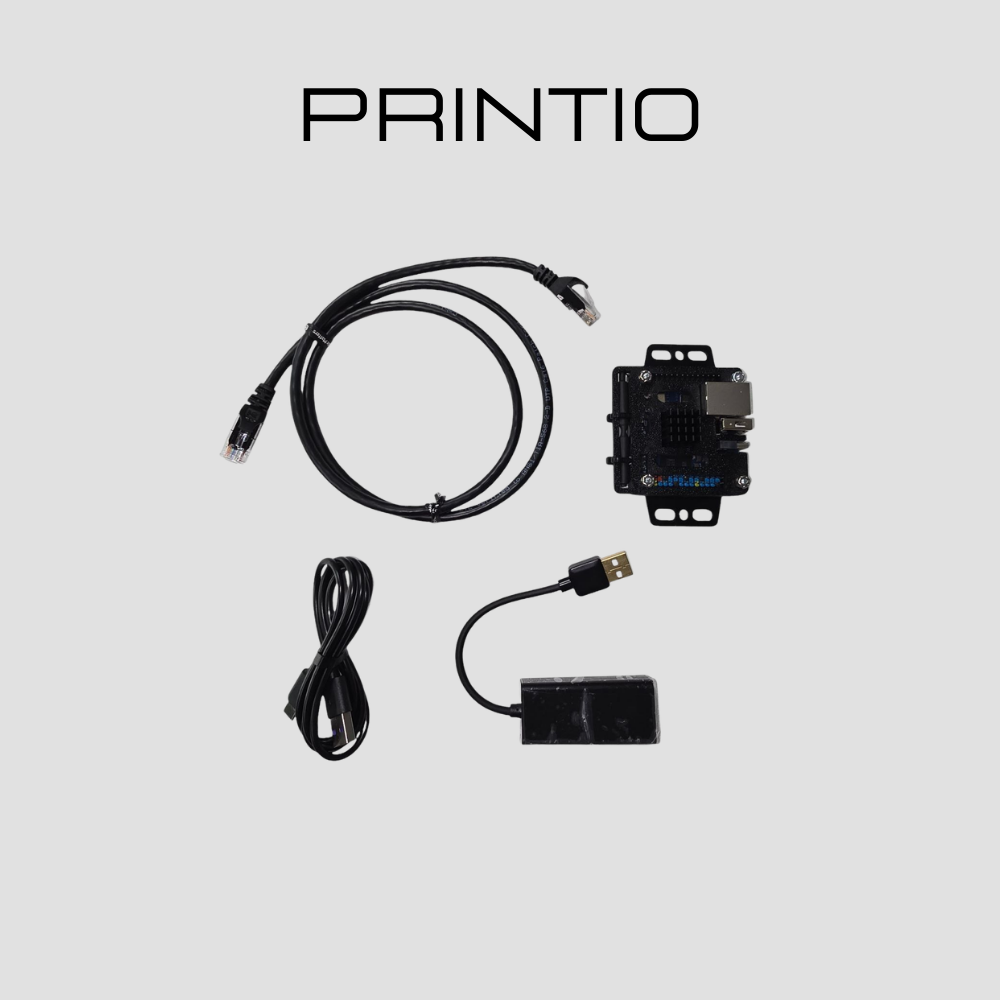
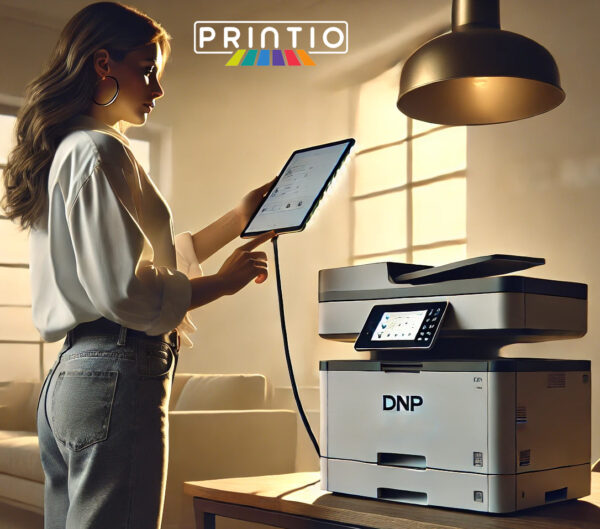
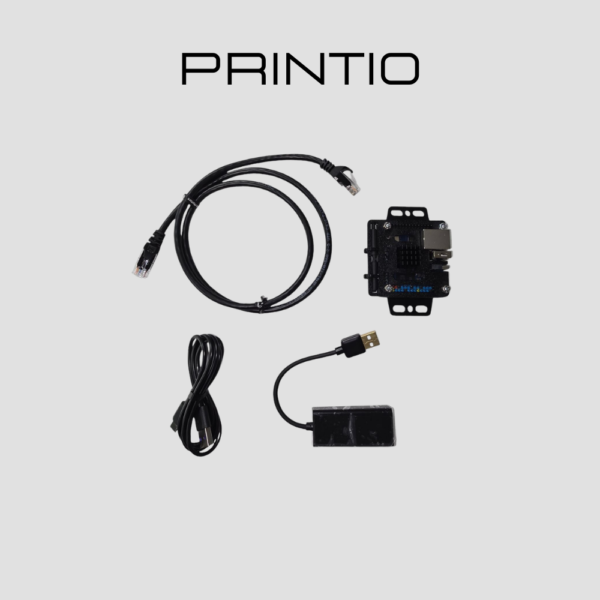
Eliminate wireless lag with the Printio iPad Direct-Wired Print Module. Designed for high-traffic events, this plug-and-play solution creates a rock-solid, low-latency bridge between your iPad and professional dye-sub printers like the DNP DS620A.
This ATA Verified module ensures your photo booth remains stable and event-ready by bypassing unreliable Wi-Fi networks. It is the essential hardware for pros using Snappic, LumaBooth, and Booth.Events who demand instant print triggers and maximum uptime.
Key Features:
-
Direct-Wired Stability: High-speed connection prevents print failures and network drop-outs.
-
Plug-and-Play Simplicity: No complex network configuration required; simply connect and print.
-
ATA Verified: Rigorously tested for compatibility with industry-leading printers and iPad apps.
-
Pro Performance: Delivers the fastest possible print speeds for a seamless guest experience.
DNP DS620A Pro Setup Guide
1. Wired Power User: ATA Printio (iPad)
For the lowest latency and most stable connection, use a wired setup.
-
The Hub Rule: Use a high-quality USB-C hub.
-
Power Delivery: Connect a 30W USB-C PD adapter to your hub. This prevents the common “drop-out” issues where the iPad or camera loses connection mid-event.
Pro Hardware Tips
-
Cable Quality: Always use a shielded USB-A to USB-B cable to prevent data interference.
-
Power Protection: Always plug into a surge-protected power strip. Sudden voltage spikes at venues can damage the thermal print head.
-
Resolution Tuning: For portrait-style shots with fine detail, set your driver to 300×600 dpi (High-Res mode).